Skip to content
The Computer & Technology Network

Making technology easier

  • Home
  • CTNET Monthly Newsletter
  • Blog
  • CTNET beginners guide to the Internet
  • Plex media server Home
  • CTNET Manifesto
  • Contact Us
  • Privacy Policy
  • Cookie Policy (UK)
  • Search

Top 3 CTNET articles of September 2021

Monthly Review / Sean Barnes / 05/10/2021

What I consider to be my top 3 articles published in September 2021.

Top 3 CTNET articles of September 2021 Read More »

The Spectrum screen on starting up or reset

My memory of the ZX Spectrum

Computer History / Sean Barnes / ZX Spectrum / 04/10/2021

While hearing the sad news about the passing of Sir Clive Sinclair, it got me reminiscing about owning a Spectrum and what it meant to me
My memory of the ZX Spectrum Read More »

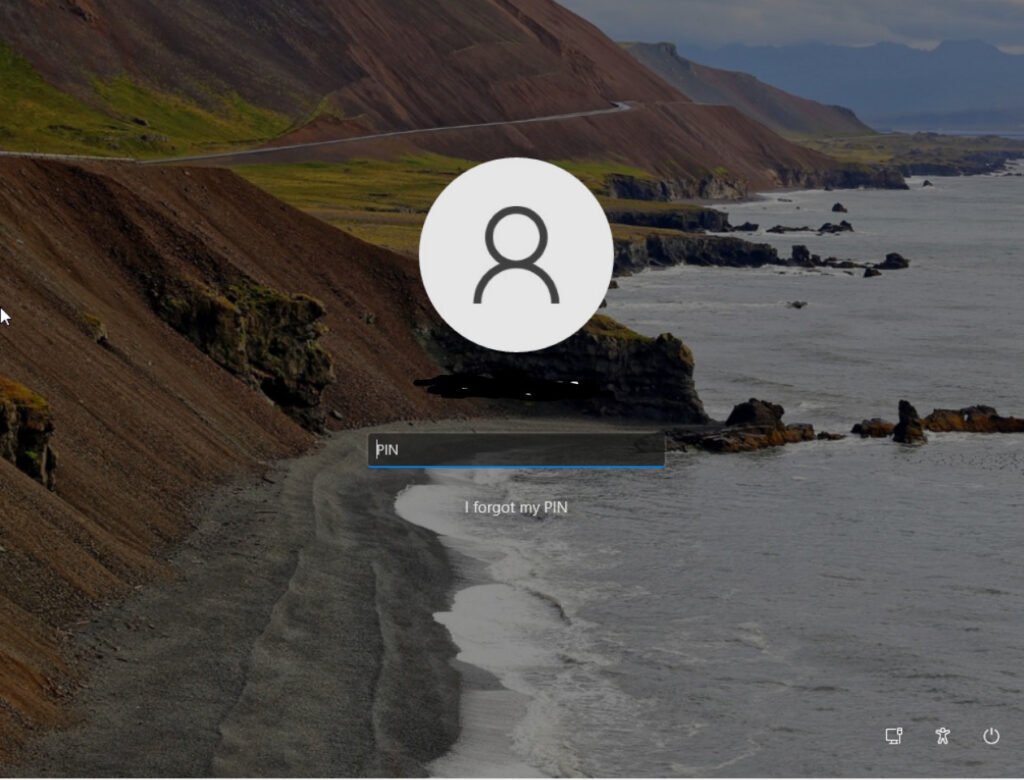
The Windows 11 login screen

Removing my password from my Microsoft account Pt 1

Security / Sean Barnes / Password / 01/10/2021

In September 2021, Microsoft removed the need for passwords from personal Microsoft account. Why have they done this?

Removing my password from my Microsoft account Pt 1 Read More »
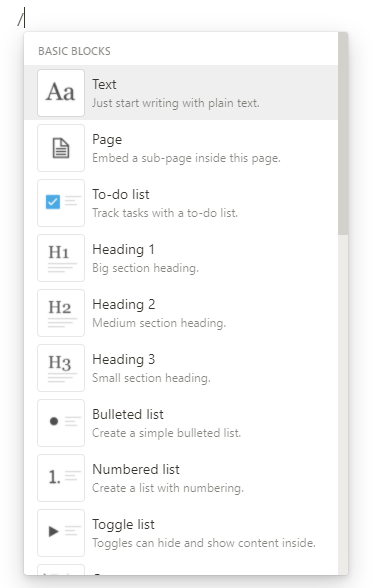
Notion command menu which allows you to select a Notion block

Notion toggle list

Application-tip / Sean Barnes / Notion / 27/09/2021

In this guide, I will introduce you to the toggle list in Notion. Useful for hiding page content that doesn’t always have to be visible.

Notion toggle list Read More »

Windows 11I insider first build

I won’t be upgrading to Windows 11 this October

Windows / Sean Barnes / Windows 10, Windows 11 / 24/09/2021

Windows 11 launches in October. When Windows 10 users will be able to upgrade shortly after. I have decided not to upgrade in October

I won’t be upgrading to Windows 11 this October Read More »

Setting up a to-do list in OneNote

Creating a to-do list in OneNote

Application-tip / Sean Barnes / OneNote / 20/09/2021

This article is an easy-to-follow step-by-step guide on creating a to-do list in both the OneNote Windows 10 and OneNote Office applications

Creating a to-do list in OneNote Read More »

Changing the banking & finance DLC while starting a new game of Capitalism lab

Capitalism lab Banking & Finance DLC an introduction

Game Discussion / Sean Barnes / Banking & Finance DLC, Capitalism Lab / 17/09/2021

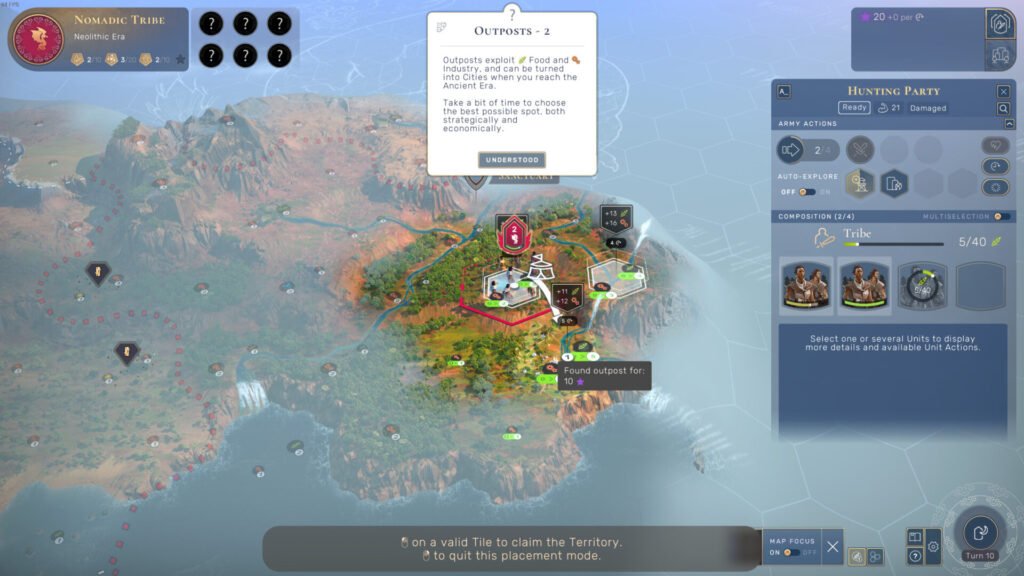
This guide covers the changes that Banking & Finance DLC makes to the base Capitalism Lab game. As well as some game settings.

Capitalism lab Banking & Finance DLC an introduction Read More »

Available subtitle and languages settings in Plex

Managing plex subtitles on the Windows App

Plex Media Server / Sean Barnes / Media Streaming / 13/09/2021

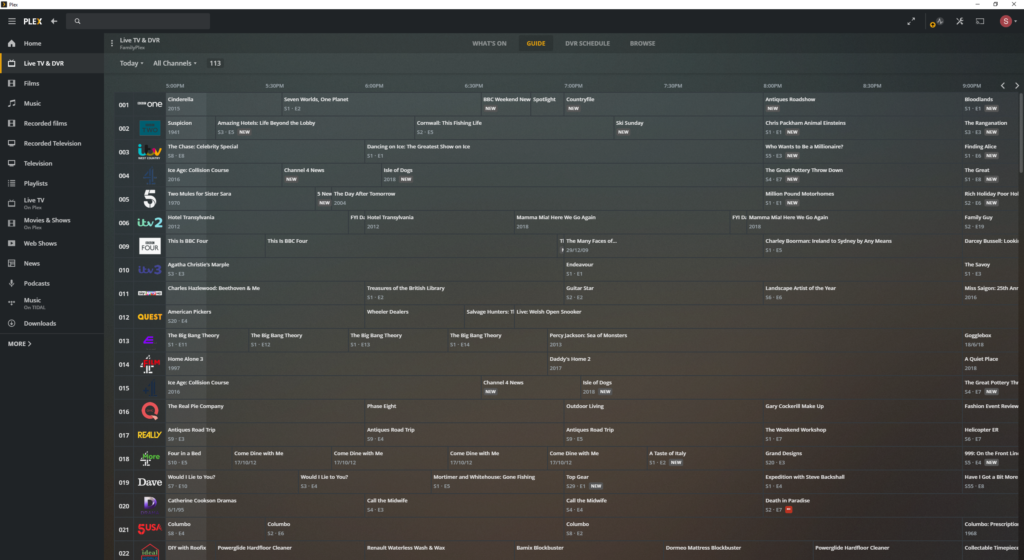
In this guide, I will walk you through the steps of changing subtitle default settings on Plex. I will also cover how to turn on/off manually

Managing plex subtitles on the Windows App Read More »

I got a Windows 11 requirements warning email

Windows / Sean Barnes / Windows 11 / 10/09/2021

Last week I received an email from the Microsoft insiders team advising me to install Windows 10 as my hardware could not run Windows 11.

I got a Windows 11 requirements warning email Read More »

an example of a to do list from my Notion shopping list

A quick guide on creating a to-do list in Notion

Application-tip, Uncategorized / Sean Barnes / Notion / 06/09/2021

In this guide, I will show you how to create a to-do list in Notion.

A quick guide on creating a to-do list in Notion Read More »

← Previous 1 … 32 33 34 … 42 Next →

Buy Me a Coffee

  • Home
  • CTNET Monthly Newsletter
  • Blog
  • CTNET beginners guide to the Internet
  • Plex media server Home
  • CTNET Manifesto
  • Contact Us
  • Privacy Policy
  • Cookie Policy (UK)
Powered by Astra WordPress Theme
Manage Consent
To provide the best experiences, we use technologies like cookies to store and/or access device information. Consenting to these technologies will allow us to process data such as browsing behaviour or unique IDs on this site. Not consenting or withdrawing consent, may adversely affect certain features and functions.
Functional Always active
The technical storage or access is strictly necessary for the legitimate purpose of enabling the use of a specific service explicitly requested by the subscriber or user, or for the sole purpose of carrying out the transmission of a communication over an electronic communications network.
Preferences
The technical storage or access is necessary for the legitimate purpose of storing preferences that are not requested by the subscriber or user.
Statistics
The technical storage or access that is used exclusively for statistical purposes. The technical storage or access that is used exclusively for anonymous statistical purposes. Without a subpoena, voluntary compliance on the part of your Internet Service Provider, or additional records from a third party, information stored or retrieved for this purpose alone cannot usually be used to identify you.
Marketing
The technical storage or access is required to create user profiles to send advertising, or to track the user on a website or across several websites for similar marketing purposes.
  • Manage options
  • Manage services
  • Manage {vendor_count} vendors
  • Read more about these purposes
View preferences
  • {title}
  • {title}
  • {title}