
Skip to content
The Computer & Technology Network

Making technology easier

  • Home
  • CTNET Monthly Newsletter
  • Blog
  • CTNET beginners guide to the Internet
  • Plex media server Home
  • CTNET Manifesto
  • Contact Us
  • Privacy Policy
  • Cookie Policy (UK)
  • Search
Amazon Music screen

Amazon Music V Tidal

Internet Streaming / Sean Barnes / Amazon Music, Music Streaming, Tidal / 23/09/2022

What is the best music streaming app between Tidal and Amazon Music? In this article, I compare the two music streaming in three key areas

Amazon Music V Tidal Read More »

How the media helped me to come to terms with the Queen’s death

Social Media / Sean Barnes / Twitter / 19/09/2022

In this article, I will explore how media helped me come to terms with my feelings. A mixture of BBC news and Twitter.

How the media helped me to come to terms with the Queen’s death Read More »

Microsoft To-Do my day view.

Microsoft To-Do Review 2022

Application Review / Sean Barnes / Microsoft To Do, productivity tools, Task Manager / 16/09/2022

A review of Microsoft To-Do, a simple task management application which may well be the task management application you are looking for.

Microsoft To-Do Review 2022 Read More »

Exporting notes from Mem setup

Mem exporting Markdown

Application-tip / Sean Barnes / Knowledge management, mem.ai, Note taking / 12/09/2022

In this guide, I’ll walk you through the process of exporting your notes from Mem to a Markdown text file which can then be imported

Mem exporting Markdown Read More »

Notion task list

Note-taking app for students 2022

Application Review / Sean Barnes / mem.ai, Note taking, Notion, Obsidian, OneNote / 09/09/2022

A round up four note-taking applications for students. It is important to choose the right, app. Our aim is to help you choose the right one.

Note-taking app for students 2022 Read More »

Obsidian create a new folder icon

Organising notes in Obsidian

Application-tip / Sean Barnes / Knowledge management, Obsidian / 05/09/2022

In this guide, I’ll take you through the steps you can use to organise your notes using folders, tags and hyperlinks.

Organising notes in Obsidian Read More »

My inbox in Notion. A place I catch all my thoughts, ideas and things to do.

What is get things done?

Productivity system / Sean Barnes / Getting things done, productivity tools / 02/09/2022

Getting things done is a productivity framework developed by David Allen. My productivity system is based on the get things done framework.

What is get things done? Read More »

Accessing the column blocks via the Notion command menu

Guide to Notion columns

Application-tip / Sean Barnes / Notion, productivity tools / 29/08/2022

A guide on Notion columns and how you can setup and edit columns within the Notion application. Using the recently updated column system
Guide to Notion columns Read More »

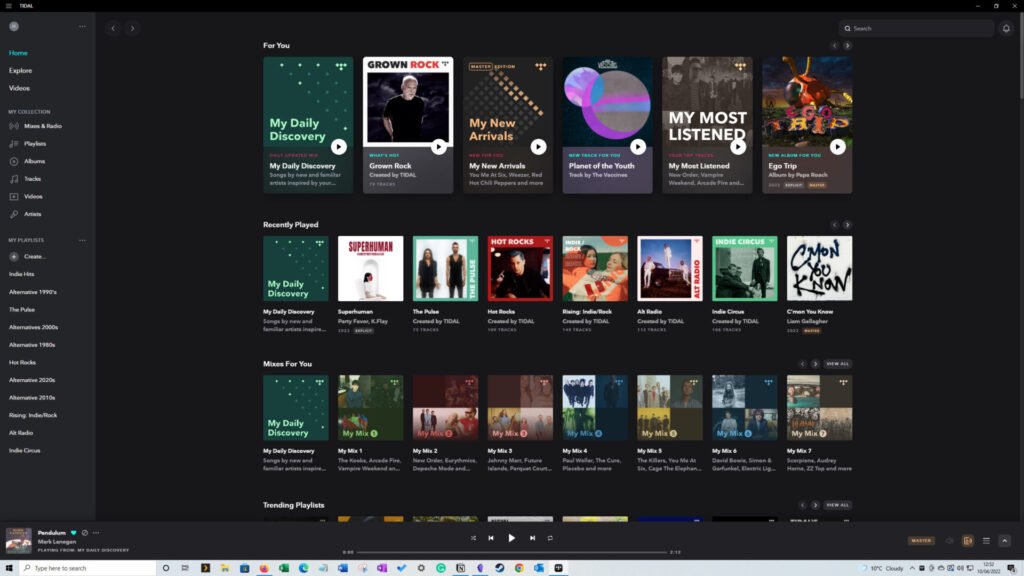
The Tidal windows app home page

Tidal V Qobuz

Internet Streaming / Sean Barnes / Music Streaming, Qobuz, Tidal / 26/08/2022

Tidal and Qobuz offer high-quality streaming, but which one is the best streaming service? Read on to find out my thoughts.
Tidal V Qobuz Read More »

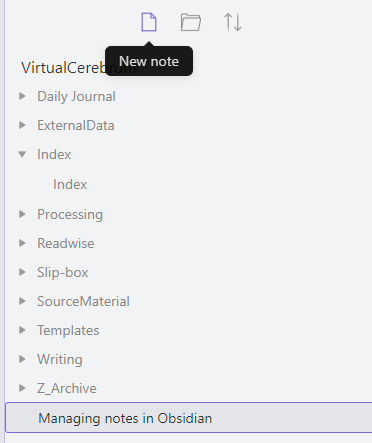
Image showing the location of the new note icon in the Obsidian file panel

Managing notes in Obsidian

Application-tip / Sean Barnes / Knowledge management, Note taking, Obsidian / 22/08/2022

In this guide, I will take you through the basics of creating and managing notes in Obsidian

Managing notes in Obsidian Read More »

← Previous 1 … 22 23 24 … 42 Next →

Buy Me a Coffee

  • Home
  • CTNET Monthly Newsletter
  • Blog
  • CTNET beginners guide to the Internet
  • Plex media server Home
  • CTNET Manifesto
  • Contact Us
  • Privacy Policy
  • Cookie Policy (UK)
Powered by Astra WordPress Theme
Manage Consent
To provide the best experiences, we use technologies like cookies to store and/or access device information. Consenting to these technologies will allow us to process data such as browsing behaviour or unique IDs on this site. Not consenting or withdrawing consent, may adversely affect certain features and functions.
Functional Always active
The technical storage or access is strictly necessary for the legitimate purpose of enabling the use of a specific service explicitly requested by the subscriber or user, or for the sole purpose of carrying out the transmission of a communication over an electronic communications network.
Preferences
The technical storage or access is necessary for the legitimate purpose of storing preferences that are not requested by the subscriber or user.
Statistics
The technical storage or access that is used exclusively for statistical purposes. The technical storage or access that is used exclusively for anonymous statistical purposes. Without a subpoena, voluntary compliance on the part of your Internet Service Provider, or additional records from a third party, information stored or retrieved for this purpose alone cannot usually be used to identify you.
Marketing
The technical storage or access is required to create user profiles to send advertising, or to track the user on a website or across several websites for similar marketing purposes.
  • Manage options
  • Manage services
  • Manage {vendor_count} vendors
  • Read more about these purposes
View preferences
  • {title}
  • {title}
  • {title}