

Exporting notes from Obsidian to Logseq
This guide will take you through the process of copying your note(s) from an Obsidian vault into a Logseq graph.
Home category for all articles or guides relating to an application
This guide will take you through the process of copying your note(s) from an Obsidian vault into a Logseq graph.

Logseq is, at its heart, an outliner. In this guide, we will summarise what an Outliner is and how to get the most out of using an Outliner.
Introductory guide to using Logseq as an Outliner Read More »

This guide looks at fleeting notes, the unsung hero of note-taking. It is fundamental to the Zettelkasten method but exists in other systems.
The essential guide to managing fleeting notes for productivity and knowledge management Read More »
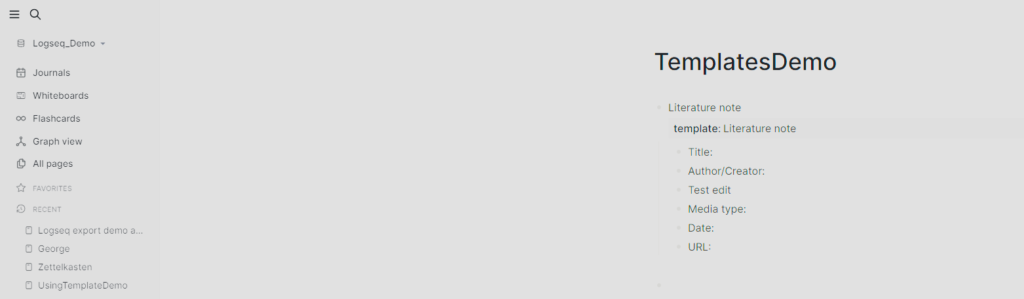
In this guide, I will take you through the process of creating a literature note template in Logseq and the benefits of having templates.
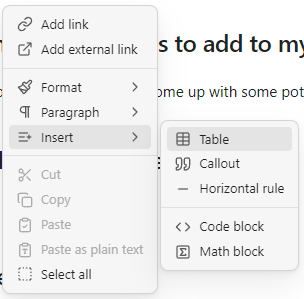
This guide will take you through the process of creating a new table and editing the layout of an existing table.

In this guide, we will take you through the process of embedding content within a Notion page. Notion supports a wide range of media.

This post explains why you should use backlinks in Obsidian by exploring their benefits before guiding you through the process of using them.

In this post, I share how I use Readwise Reader to capture and filter content I discover online for future consumption and learning.
How I use Reader to funnel information and knowledge Read More »
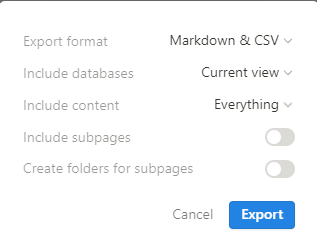
In this guide, we will take you through the process of exporting notes from Notin into Logseq.