
Skip to content
The Computer & Technology Network

Making technology easier

  • Home
  • CTNET Monthly Newsletter
  • Blog
  • CTNET beginners guide to the Internet
  • Plex media server Home
  • CTNET Manifesto
  • Contact Us
  • Privacy Policy
  • Cookie Policy (UK)
  • Search
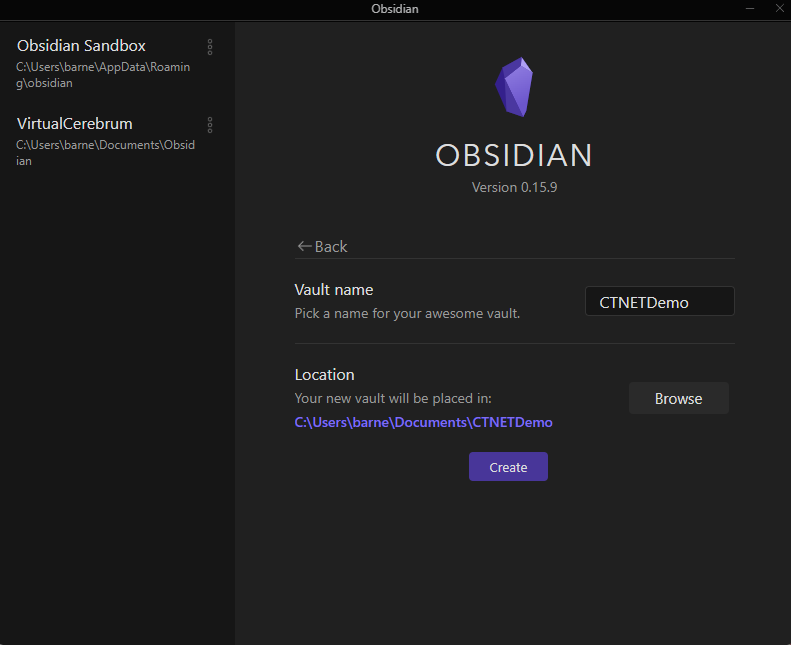
Obsidian vault creation screen.

How to start using Obsidian as a student

Application-tip / Sean Barnes / Obsidian / 11/09/2023

This guide is aimed at students who have just decided to use Obsidian for note-taking and want to know how to get started.
How to start using Obsidian as a student Read More »

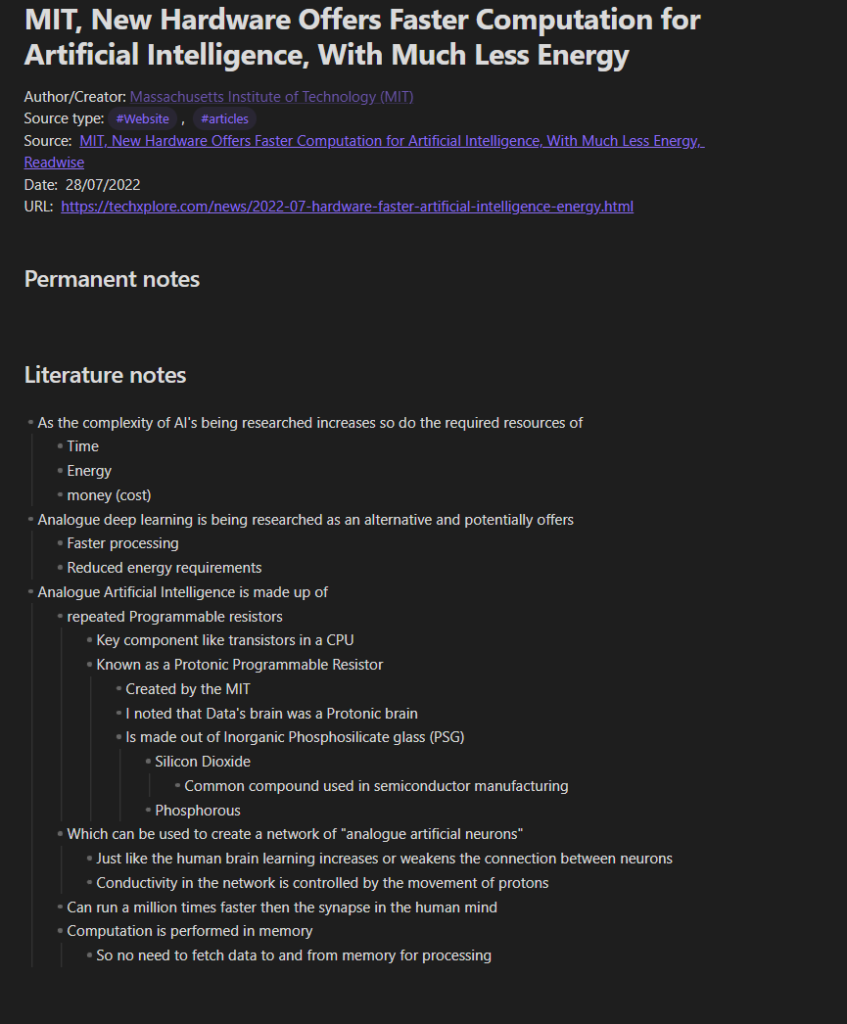
A Literature note in Obsidian

Five note-taking applications for students in 2023

Application discussion / Sean Barnes / Knowledge management, Logseq, mem.ai, Notion, Obsidian, TANA / 04/09/2023

A list of five applications that I have used and reviewed that a student could use to take notes for his studies and form the core of a PKM

Five note-taking applications for students in 2023 Read More »

Graph view of my Obsidian vault. Each dot represents a note or tag and lines btween dots represent a link between the note

My productivity and knowledge management system 2023

Application discussion / Sean Barnes / Knowledge management, Note taking, productivity tools / 28/08/2023

An update on the continuing evolution of my personal productivity and knowledge management systems and how I use them.

My productivity and knowledge management system 2023 Read More »

Notion select Datatype in use

2023 Guide to Notion Datatypes

Application-tip / Sean Barnes / Notion / 21/08/2023

In this guide, we will look at the Notion datatype before we look at and summarise each Datatype available in Notion.
2023 Guide to Notion Datatypes Read More »

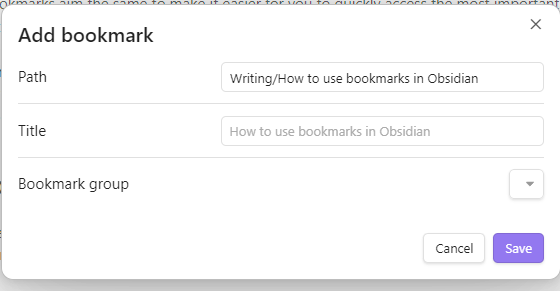
Add a bookmark dialogue box in Obsidian

An introductory guide to bookmarks in Obsidian

Application-tip / Sean Barnes / Obsidian / 14/08/2023

This guide will explore how to use bookmarks in Obsidian and why this functionality is useful.
An introductory guide to bookmarks in Obsidian Read More »

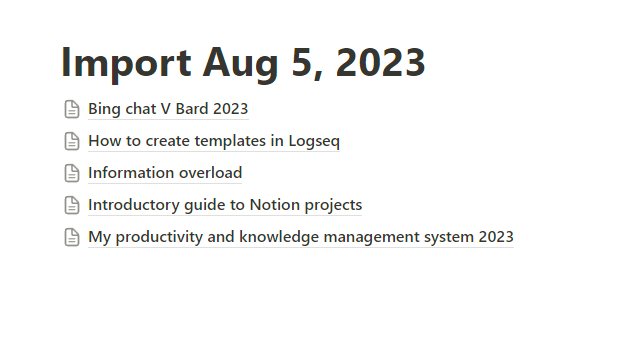
Page created in Notion from importing multiple notes from Obsidian

Importing Obsidian Notes into Notion

Application-tip / Sean Barnes / Notion, Obsidian / 07/08/2023

This guide will take you through a step-by-step process of importing notes from Obsidian into Notion. If you select more than a single file, Notion will import all pages, which will be created as a sub-page in a page titled import, followed by the date the import occurred. As someone who uses both applications daily,

Importing Obsidian Notes into Notion Read More »

Embedded section of one Obsidian note inside another Obsidian note

Embedding one Obsidian note inside another Obsidian note

Application-tip / Sean Barnes / Obsidian / 31/07/2023

In this guide, you will learn how to embed one Obsidian note or sections of another note inside another note in Obsidian.

Embedding one Obsidian note inside another Obsidian note Read More »

How to import notes from Obsidian to Mem

Application-tip / Sean Barnes / mem.ai / 24/07/2023

A guide to the process of importing an Obsidian note from your vault into Mem. In five easy steps

How to import notes from Obsidian to Mem Read More »

Summary of The Singularity Principle by David Wood

Books / Sean Barnes / Artificial Intelligence / 17/07/2023

The Singularity Principle by David Wood discusses the potential impact of Artificial General Intelligence (AGI) on humanity. Read my thoughts

Summary of The Singularity Principle by David Wood Read More »

A note created and linked to by the LogseqTagsDemo tag.

How to use tags in Logseq to organise your notes

Application-tip / Sean Barnes / Knowledge management, Logseq / 10/07/2023

A guide on how to use tags in Logseq to organize your notes. I explain what tags are, why you should use them.

How to use tags in Logseq to organise your notes Read More »

← Previous 1 … 15 16 17 … 42 Next →

Buy Me a Coffee

  • Home
  • CTNET Monthly Newsletter
  • Blog
  • CTNET beginners guide to the Internet
  • Plex media server Home
  • CTNET Manifesto
  • Contact Us
  • Privacy Policy
  • Cookie Policy (UK)
Powered by Astra WordPress Theme
Manage Consent
To provide the best experiences, we use technologies like cookies to store and/or access device information. Consenting to these technologies will allow us to process data such as browsing behaviour or unique IDs on this site. Not consenting or withdrawing consent, may adversely affect certain features and functions.
Functional Always active
The technical storage or access is strictly necessary for the legitimate purpose of enabling the use of a specific service explicitly requested by the subscriber or user, or for the sole purpose of carrying out the transmission of a communication over an electronic communications network.
Preferences
The technical storage or access is necessary for the legitimate purpose of storing preferences that are not requested by the subscriber or user.
Statistics
The technical storage or access that is used exclusively for statistical purposes. The technical storage or access that is used exclusively for anonymous statistical purposes. Without a subpoena, voluntary compliance on the part of your Internet Service Provider, or additional records from a third party, information stored or retrieved for this purpose alone cannot usually be used to identify you.
Marketing
The technical storage or access is required to create user profiles to send advertising, or to track the user on a website or across several websites for similar marketing purposes.
  • Manage options
  • Manage services
  • Manage {vendor_count} vendors
  • Read more about these purposes
View preferences
  • {title}
  • {title}
  • {title}