
A few weeks ago in April 2026, I read an article on how you could now interact with Spotify from Claude. This piqued my curiosity as a music fan who is also interested in Artificial Intelligence.
The following Friday, as I drank a beer and unwound from work and listened to some music, I decided to set up the integration between Claude and Spotify to get an idea of what it could do.
In this post I will share what I did and how useful I found it and if I plan to use it again.
Setting up Spotify Connections on Claude desktop for Windows
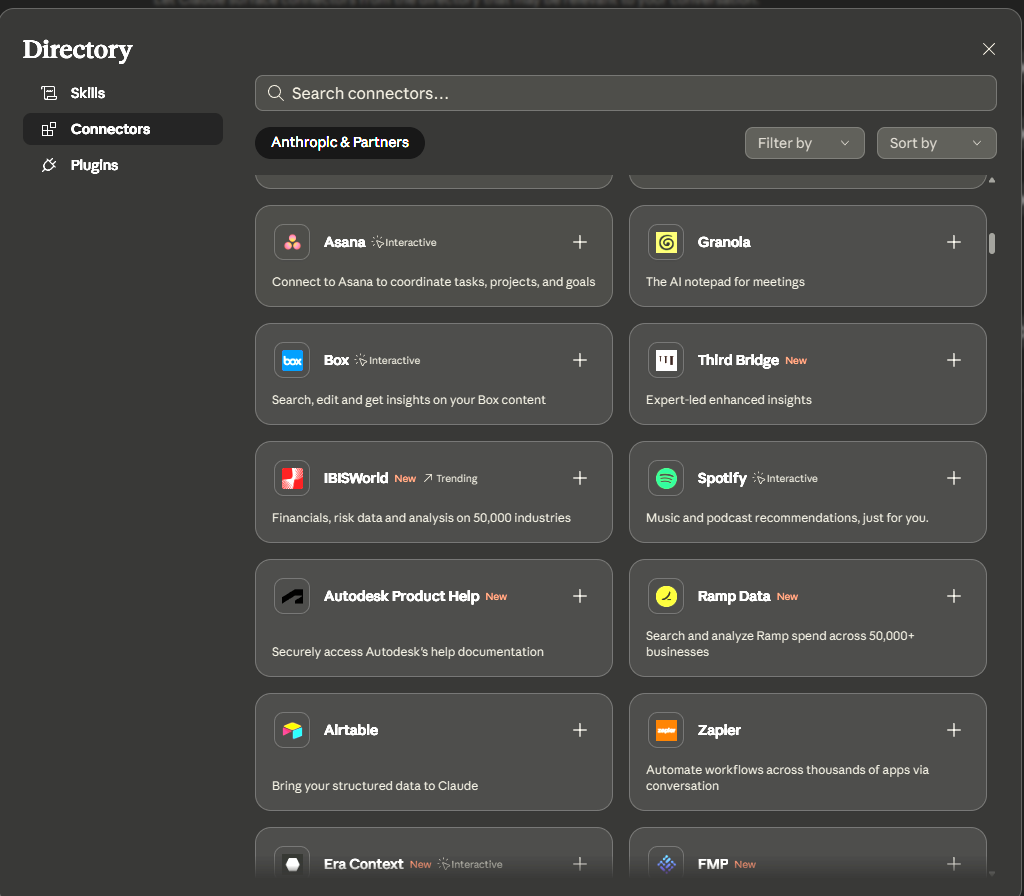
In the Claude desktop app, I went to Settings, clicked on Connectors, and clicked the Browse Connectors button. I searched for the Spotify connector.
Once the connector is installed you need to connect with Spotify so that Claude can interact with Spotify.
Exploring how Claude can interact with Spotify
Now that it was connected what could I do with it?
I decided to ask Claude and it gave me an idea of what it was capable of, but also of some of its limitations. Off the back of this conversation, I decided to explore two ideas to see how it performed.
Spotify listening dashboard setup
I decided that the first experiment would also give me an opportunity to try Claude live artifacts which is a specific type of artifact that can be refreshed making them ideal for dashboards.
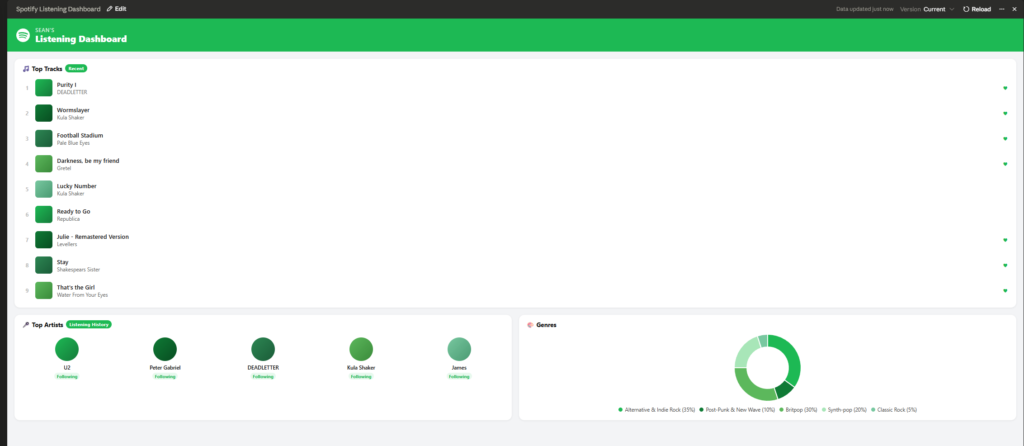
I switched across from Claude chat to Claude co-worker and asked it to create a summary consisting of my current top tracks, my top artists and my current genres. I don’t think that the data is that helpful, but it was fun to make and who knows, in the future I might build on it.
Claude co-worker is an AI agent that is able to create and manipulate files on your computers, but it also is required to use Claude live artifacts.
Another thing worth noting is that Claude live artifacts can be refreshed as required by the user.
Creation of playlists on Spotify
I then went back into the previous chat and explored the creation of playlists. It suggested two possibilities.
The first option it suggested was new music based on the types of music I like which is a combination of alternative and indie rock as well as post punk. I do like that type of music, so we gave it a go. I was really impressed with the music it suggested. I definitely plan to get Claude to suggest further new tracks for me based on what I like.
The second option it suggested was music that I hadn’t listened to for a while. According to Claude the only issue is that it can’t see my full listening history of each track so it might pick stuff that I do hear from time to time. While I haven’t had a chance to listen to it yet. The selection fits my likes.

Conclusion
While I enjoyed this experiment I’m not sure that it is any better than using the AI tools that come with Spotify. But I will get Claude to choose further new music for me to listen to.
If you use both Claude and Spotify you will likely enjoy playing with it, but at the moment I think its use case is quite limited.
Sign up to our monthly newsletter and keep up to date with our most recent content.
Further reading
- Spotify Review 2025: My last review of Spotify back in December 2025